
Show what you
actually did.
Your work, your part in it and the proof. One link for people and agents.
A profile for
every side of you.
Your work, interests and experience.
In a space that feels like you.
Drag left or right, tap a rear profile, or use arrow keys here to rotate these three profiles. Choose a category tab to change the set.
Jax Ortega
Creative developer. I make small games and the tools to build them. Most of it is open source.
tilemaker. This week: Shipping tilemaker 0.4 on Friday.




Jamie Chen
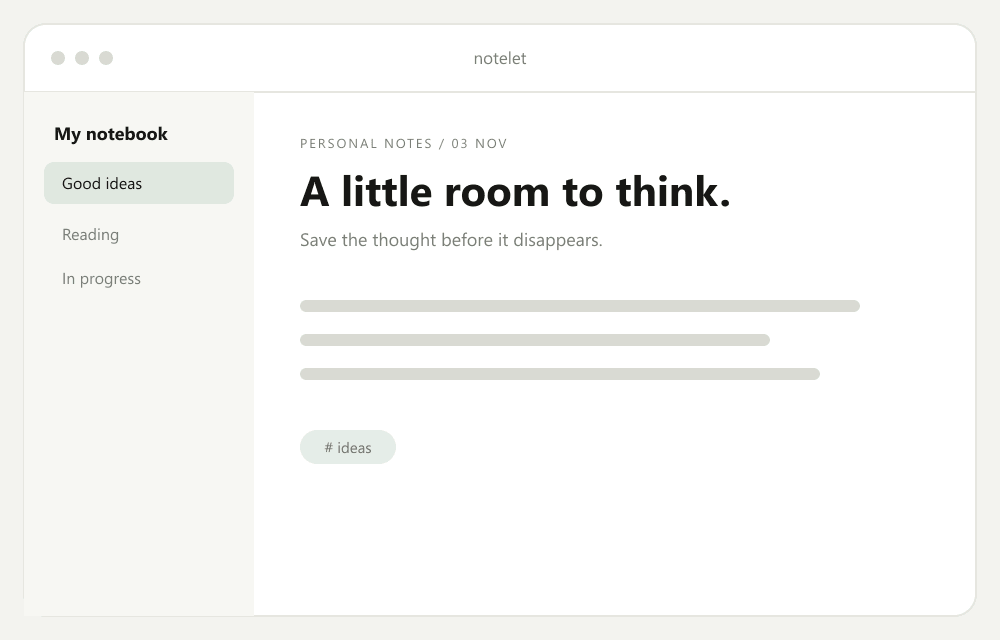
Indie app maker. I build Notelet, a quiet notes app. Designed, built and supported by me.
Notelet. Notes from the build: Notelet 2.0 is out. Fewer buttons, better writing.



Robin Wu
Backend engineer · open to work. Six years building payment and data systems. Looking for my next team.
ledgerline. Open to work: Remote or Singapore, from January.



Jamie Chen2 of 3
Your work,
with its context.
Show each project the way it really happened: what you made, the part you played, who you made it with and the results that back it up. Case studies, files, links and recommendations sit together, so a client, a recruiter or an AI agent gets the whole picture from one link.
Find your building blocksYour page, your arrangement.
Mix projects, photos and writing. Resize your widgets, choose your colors and make room for what matters.
Explore the widgetsStart with the work you already have.
Turn your résumé and work links into a draft you can review.
One link. Your work, in context.
Put each project, your part in it and the proof in one profile, so people see the context behind your work.
Explore an example profileA different way to read your work.
The same profile, made readable for people and structured for agents.
More than a list of links.
Give your projects a home. Put photos, writing, experience and your favorite links alongside them.







Let your work
tell the whole story.
A project, a point of view, a new direction. Make room for what you do now and what you want to do next.
- A home for your work
- Proof attached
- Take it anywhere
- Readable by agents
A few things
worth knowing.
What is Boken?
A profile that shows what you actually did: your projects, your part in them and the proof, next to your experience, writing, photos, music, videos, shop and links. Everything is a real widget you can arrange, not a list of buttons, and one link works for people and agents.
What happens when I claim a profile?
Pick your address (boken.to/your-name), then sign in with Google or your email. No password needed. The address is checked when you finish setup. Typing it here does not reserve it. Already have a profile? Signing in takes you back to your editor.
Can I try it before signing up?
Yes. Open demo mode to explore a populated profile and its editing controls. Nothing you change in the demo is saved.
What can I customize?
Add widgets, resize and arrange them, and choose what each one shows. Pick a background (still or moving), window colors, an accent and corner shape. Your editor saves as you go.
Are these real people's profiles?
Most examples on this page are fictional profiles built with real Boken widgets. A few cards show real work, like music and videos from the band Sunrise and our own photos and projects. Social posts are saved samples, not live account feeds. A community gallery will feature real profiles only when their owners choose to be included.
Can Boken import my résumé or connect to an agent?
Every profile has a read-only Agent view today. Résumé import and permissioned agent connections are coming; Boken does not verify your experience for you.
Where can I get help?
Visit Help & Support if a sign-in link expires or you get stuck setting up. Open your latest email link in the same browser where you requested it.
 Beta
Work in progress. Just like you.